Set up a gym record board with rules members can use
Your members already set personal bests on your floor. Put them on a board people can see, check and try to beat.
You can run a gym record board with written rules, someone to check each attempt and a shared scorecard. Print the standings for the gym wall or show your own spreadsheet on a screen. OpenContest is prelaunch. Its published rules are available today, and the waitlist is open for the planned app.
Start with one contest and a closing date
Choose an activity your members already practise. Publish the movement rule, scoring unit, opening date and closing date together. Decide whether people get one attempt or can replace their score with a better accepted attempt before the deadline.
Keep different movement variations on separate lists. An assisted pull up, a strict pull up and a weighted pull up each need their own rule. Our friends challenge guide explains shared scoring and tie policies you can adapt for a gym group.
Five gym challenge formats
| Format | Score to record | Details to keep consistent |
|---|---|---|
| Strict pull-up set | Accepted repetitions in one set | Grip, starting hang, top position and the end of the set. Use the pull-up rules. |
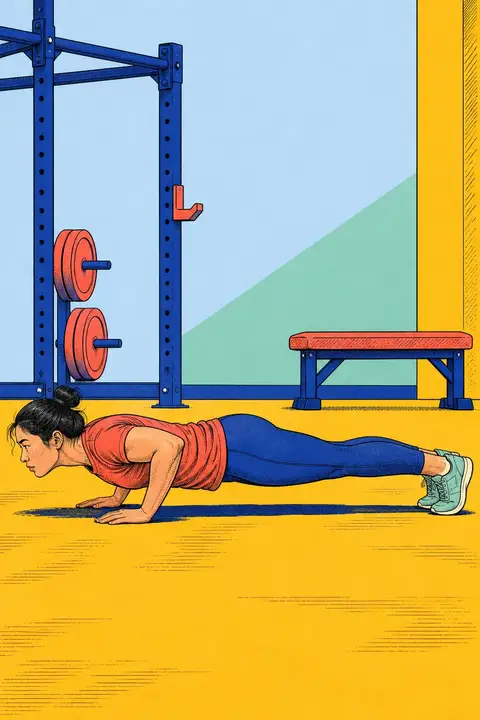
| Push-up set | Accepted repetitions in one set | Body position, depth and what ends the attempt. Use the push-up rules. |
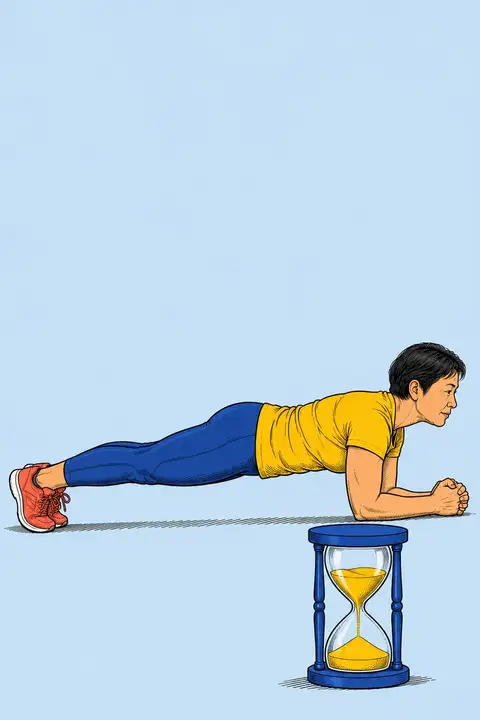
| Plank hold | Elapsed time | Starting position and the visible event that stops the clock. Use the plank rules. |
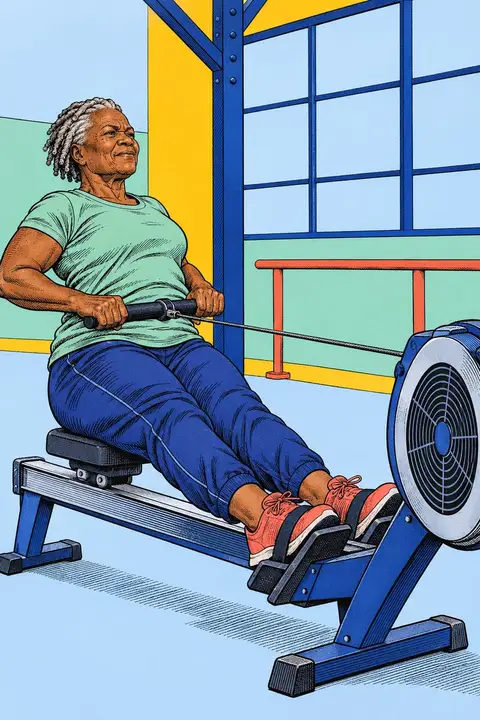
| 500 m row | Machine finish time | Machine type and settings alongside the score. Use the rowing rules. |
| Monthly personal progress | Change from the member’s own baseline | Repeat the same test and variation at the beginning and end of the month. Keep the two raw results together. |
For a running group, you can also use a measured 5K course and the 5K rules. The pace chart and calculator helps members choose a finish-time target and kilometer splits.
Keep a scorecard someone else can check
Record the participant’s agreed display name, movement variation, accepted score, attempt date and checker’s name or initials. A clip reference can help resolve a disputed count when participants choose to record video.
Before filming, agree who can view the clip and where it will be kept. Show the whole movement and the points the checker needs to see. Our filming guide covers camera placement and a continuous attempt.
If an attempt is unclear, explain which part could be checked more clearly on another attempt. Apply the same published policy throughout the contest.
Post the standings with their rule
Put the contest name, scoring unit, closing date and rule beside the results. Agree which names or initials participants want displayed. Update the board when a result is checked, and keep a dated copy when the contest closes.
Shared places make tied scores easy to handle. Two members with the same accepted count can share first place, followed by third place. Write that policy on the board before the contest begins.
Personal-progress contests can give members a useful result from their own starting point. Record a change from zero repetitions as the two raw counts so the board remains understandable. Each member can compare their attempts under the same rule.
Tell us what your gym needs
Join the waitlist for updates as OpenContest develops. If you want to discuss your gym’s workflow, email support@opencontest.app with the activities you run, how you keep scores and what your staff need to check a result. That gives the team concrete requirements to consider for the planned app.
Contests to start with


Questions
Can we run a gym challenge before the OpenContest app opens?
Yes. Use the published contest rules, choose someone to check results and keep a paper scorecard or shared spreadsheet. OpenContest is prelaunch, and the waitlist is open for app updates.
What should go on a gym record board?
Show the contest, movement variation, score, date and the person who checked the result. Include the rule and closing date nearby. Agree with each participant which name or initials can be displayed.
How should we handle tied results?
Choose the policy before the first attempt. Giving equal scores the same place is a simple option. Use the same timing precision and movement rule for everyone in that contest.
How can we discuss the planned app for our gym?
Join the waitlist for app updates, or email support@opencontest.app with your gym name, the activities you want to run and how you currently record results.